Artificial Intelligence is no longer a futuristic concept—it has become an essential part of everyday life. Whether you’re a student completing assignments, a professional managing projects, a content creator producing digital media, or a business owner looking to streamline operations, AI-powered software is transforming the way people work. What once required hours of manual effort can now be completed in minutes with the help of intelligent automation.
The rapid evolution of AI has introduced hundreds of applications designed to improve productivity. From writing assistants and meeting transcription tools to project management platforms and advanced research assistants, today’s AI software can help users save time, improve accuracy, and focus on more meaningful tasks.
However, with so many options available, choosing the right AI tool can quickly become overwhelming. Some applications specialize in content creation, while others excel at organization, coding, design, or workflow automation. The key is understanding which tools provide real value based on your specific needs.
In this article, we’ll explore the Best AI Tools for Productivity in 2026, highlighting the features, strengths, and ideal use cases for each platform. Whether you’re looking to increase efficiency at work, stay organized in school, or simplify your daily workflow, these AI solutions can help you accomplish more with less effort.
Why AI Productivity Tools Are More Important Than Ever
Artificial intelligence has become one of the most significant technological advancements of the decade. Businesses, schools, and individuals are rapidly adopting AI software because it allows them to automate repetitive tasks, improve decision-making, and reduce the amount of time spent on routine activities.
Instead of replacing human creativity, today’s AI tools are designed to enhance it. They assist users by generating ideas, organizing information, summarizing lengthy documents, creating presentations, writing emails, translating languages, analyzing data, and even helping programmers write cleaner code.
Some of the biggest advantages of using AI productivity software include:
- Increased efficiency
- Better time management
- Faster research
- Improved organization
- Enhanced collaboration
- Reduced repetitive work
- Higher overall productivity
For students, AI can simplify studying and note-taking. For professionals, it can automate reports, meeting summaries, and administrative work. For entrepreneurs, AI can support marketing, customer service, and business planning.
The growing popularity of AI demonstrates that productivity is no longer about working harder—it is about working smarter.
How We Selected the Best AI Productivity Tools
With hundreds of AI-powered applications currently available, not every platform deserves a place on this list. To ensure these recommendations provide genuine value, we evaluated each tool using several important criteria.
Ease of Use
The best software should be intuitive and easy to learn, even for beginners. A complicated interface can reduce productivity instead of improving it.
Productivity Features
We prioritized tools that help users complete meaningful tasks such as writing, planning, organizing, brainstorming, researching, scheduling, or automating workflows.
Cross-Platform Compatibility
Modern professionals often switch between desktops, laptops, tablets, and smartphones throughout the day. Software that works across multiple platforms offers greater flexibility.
Security and Privacy
As AI becomes increasingly integrated into everyday work, protecting user data has become more important than ever. Applications with strong privacy practices and secure cloud infrastructure received higher consideration.
Continuous Innovation
AI technology evolves rapidly. We focused on platforms that consistently introduce meaningful updates, improve performance, and expand their capabilities.
1. ChatGPT
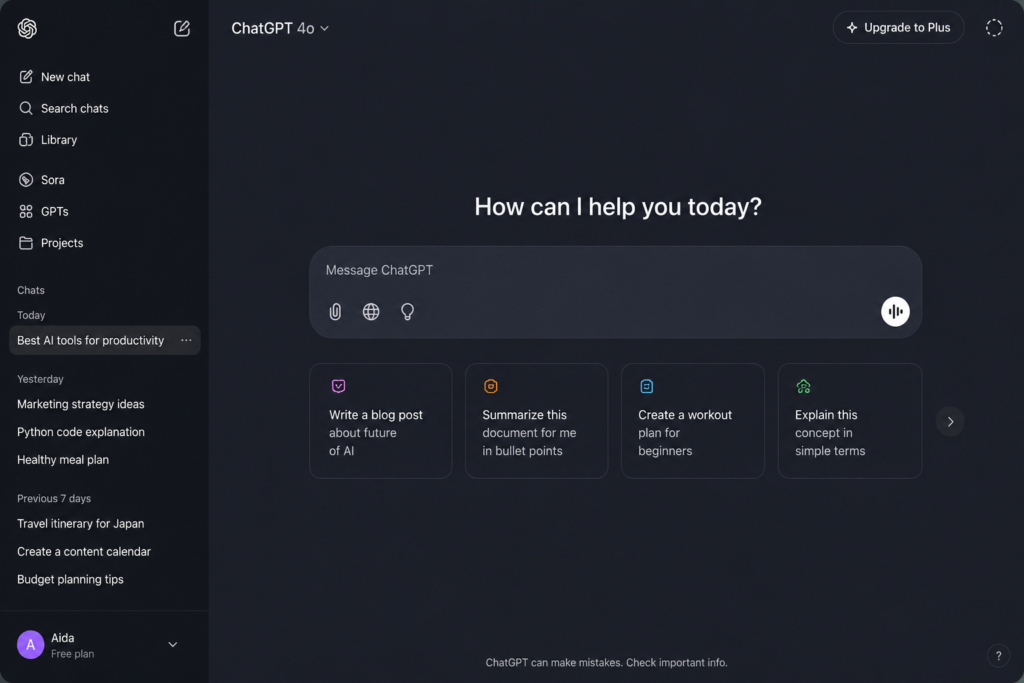
Among all AI productivity tools available today, ChatGPT has become one of the most versatile digital assistants for students, professionals, entrepreneurs, and content creators.
Rather than serving a single purpose, ChatGPT functions as a multi-purpose AI assistant capable of helping users brainstorm ideas, write articles, summarize documents, explain complex concepts, draft emails, generate code, analyze information, and even assist with strategic planning.
Its conversational interface makes it approachable for beginners while offering advanced capabilities for experienced users.
Best For
- Writing and editing
- Research assistance
- Brainstorming ideas
- Coding support
- Business planning
- Learning new topics
- Content creation
Key Advantages
- Natural conversational interface
- Excellent writing capabilities
- Supports multiple industries
- Generates creative ideas
- Continuously improving with new AI models
For many users, ChatGPT has become the first tool they open every morning because it helps eliminate repetitive work while improving overall efficiency.
2. Microsoft Copilot
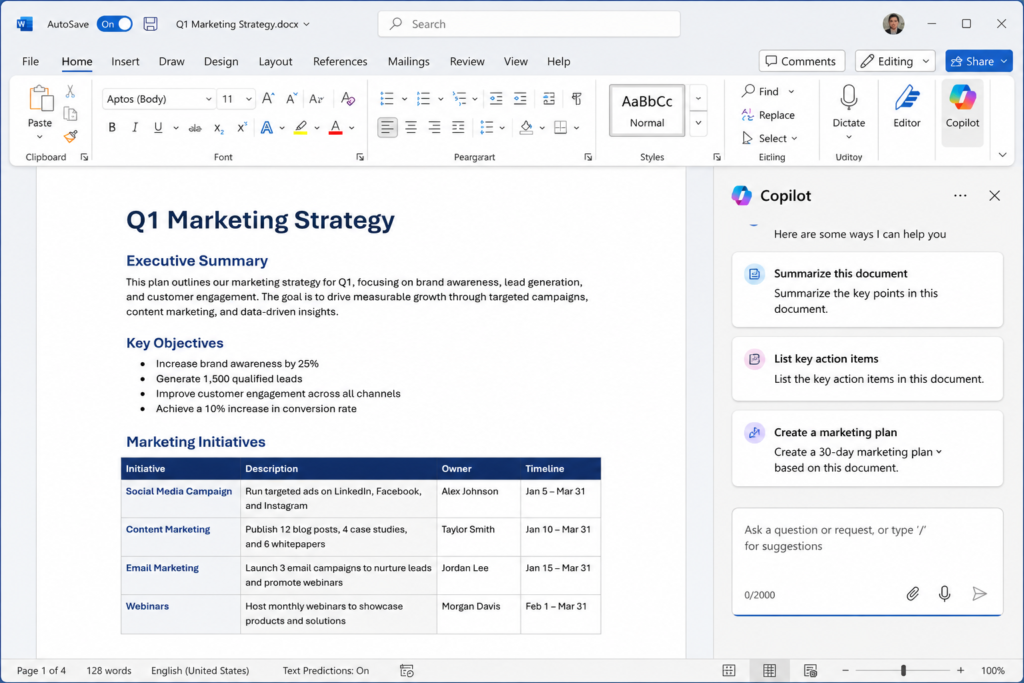
Microsoft Copilot has quickly become one of the most valuable AI assistants for users who already rely on Microsoft 365. Instead of functioning as a standalone chatbot, Copilot integrates directly into familiar applications like Word, Excel, PowerPoint, Outlook, and Teams.
This seamless integration allows users to generate reports, summarize lengthy email threads, create professional presentations, analyze spreadsheets, and automate repetitive office tasks without leaving the applications they use every day.
One of Copilot’s greatest strengths is its ability to understand context within Microsoft documents. Rather than requiring users to copy and paste information between different tools, it works directly with existing files to provide intelligent suggestions and accelerate workflows.
Best For
- Microsoft Office users
- Business professionals
- Corporate environments
- Data analysis
- Presentation creation
- Email management
Key Advantages
- Deep Microsoft 365 integration
- Powerful document analysis
- Excellent productivity features
- Enterprise-grade security
- Streamlined workflow automation
For professionals who spend most of their workday inside the Microsoft ecosystem, Copilot has become one of the most effective AI productivity solutions available.
3. Notion AI
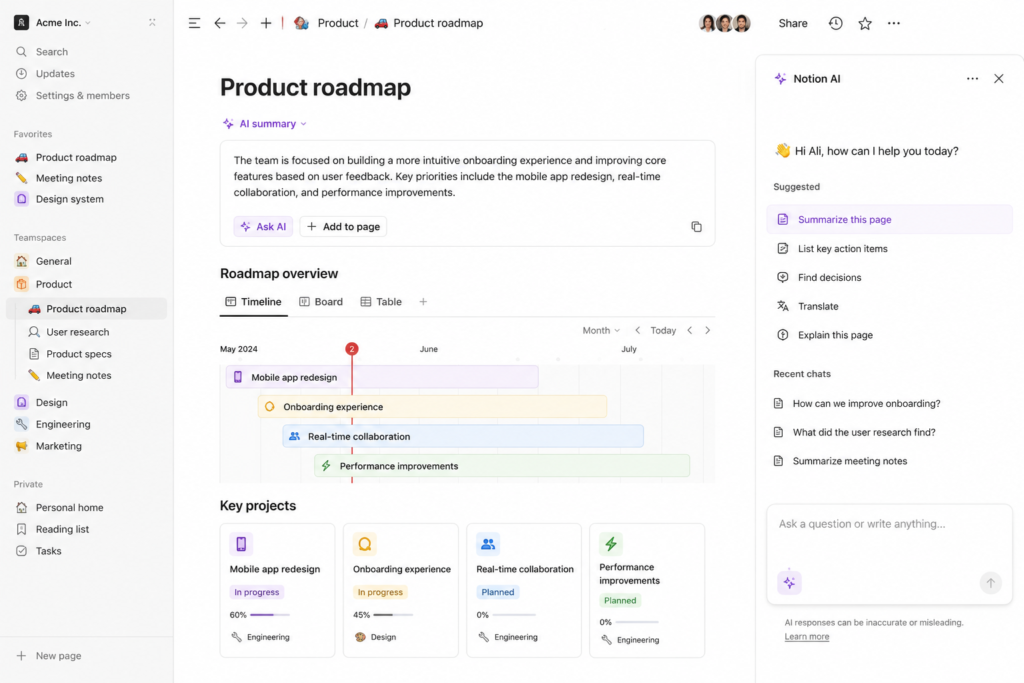
Notion has evolved from being a simple note-taking application into one of the most powerful productivity platforms available today. With the integration of Notion AI, users can now write documents faster, summarize lengthy notes, organize projects, generate ideas, and automate repetitive writing tasks—all without leaving their workspace.
Whether you’re managing personal projects, collaborating with a team, or organizing class notes, Notion AI helps reduce manual work while keeping information structured and easily accessible.
Students can quickly summarize lectures, professionals can draft reports, and entrepreneurs can organize business plans in one centralized location.
Best For
- Project management
- Students
- Team collaboration
- Note-taking
- Knowledge management
- Business planning
Key Advantages
- Built directly into Notion
- Excellent organization features
- AI-powered writing assistance
- Easy collaboration
- Flexible workspace customization
4. Google Gemini
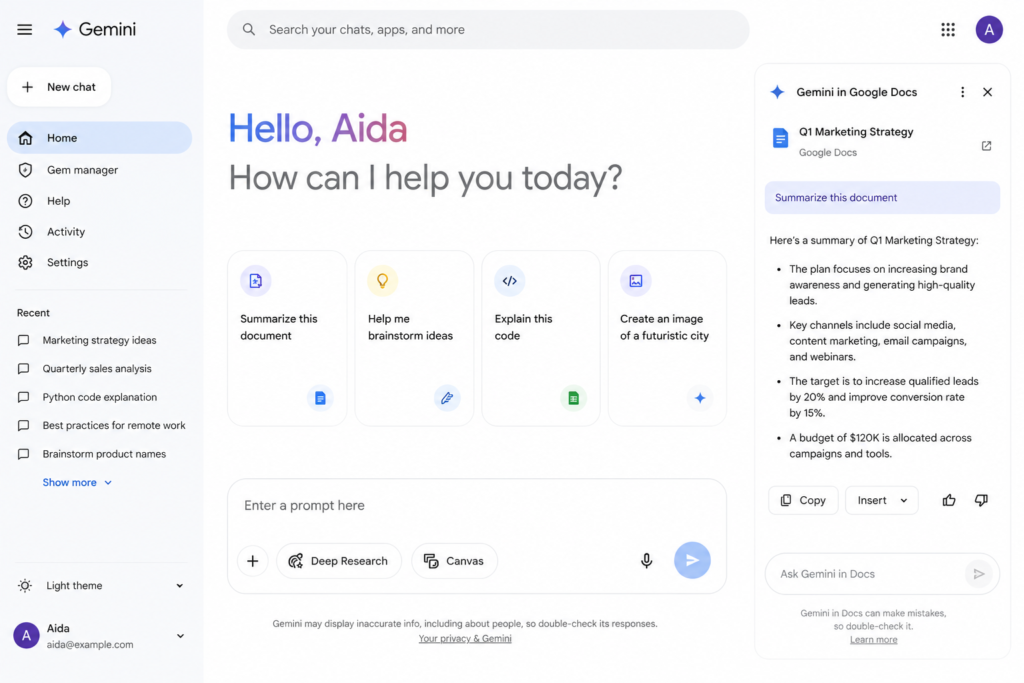
Google Gemini has become one of the leading AI assistants thanks to its seamless integration with Google’s ecosystem. Users who rely on Gmail, Google Docs, Google Drive, Google Sheets, and Google Calendar can significantly improve productivity through AI-assisted workflows.
Gemini helps users generate content, summarize documents, answer questions, organize information, and accelerate research using Google’s powerful AI capabilities.
Because millions of people already use Google’s services daily, Gemini provides a natural extension of existing workflows without requiring users to adopt an entirely new platform.
Best For
- Google Workspace users
- Research
- Students
- Business professionals
- Document creation
- Everyday productivity
Key Advantages
- Deep Google integration
- Fast information retrieval
- Excellent research capabilities
- Cloud-based collaboration
- Intuitive user interface
5. Grammarly
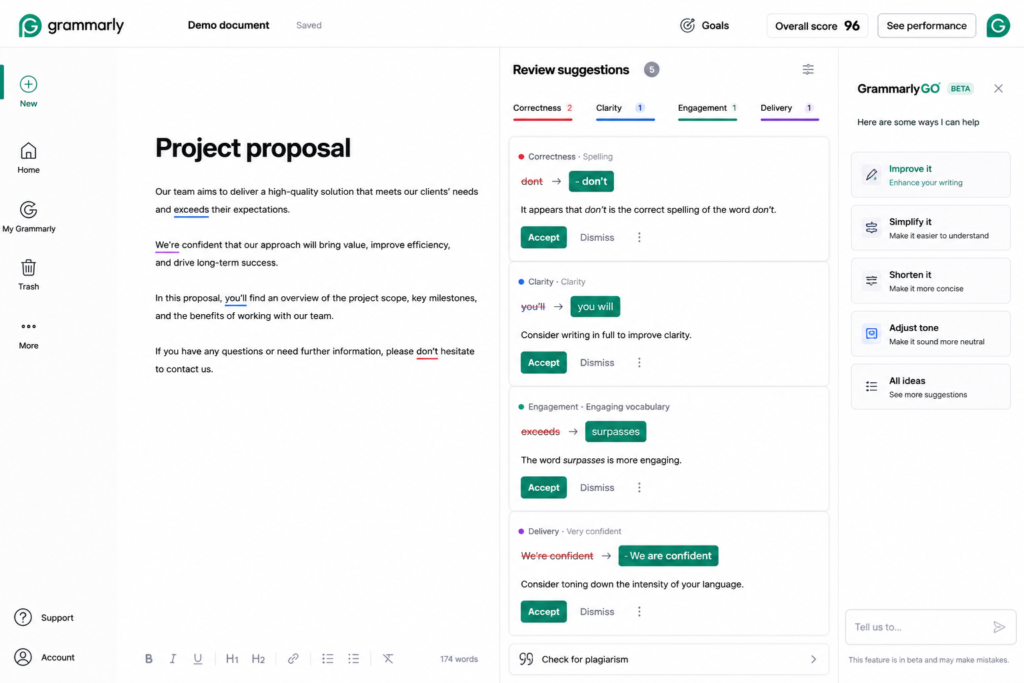
Writing remains one of the most common professional activities across every industry. Grammarly has evolved far beyond simple grammar correction and now uses AI to improve clarity, tone, readability, and overall communication.
Whether writing emails, reports, blog posts, resumes, or presentations, Grammarly helps users produce more polished and professional content.
Its AI suggestions help eliminate unnecessary words, improve sentence structure, and maintain consistency throughout documents.
Best For
- Business communication
- Students
- Content creators
- Bloggers
- Professional writing
Key Advantages
- Grammar correction
- Style improvements
- Tone detection
- Plagiarism checking (Premium)
- AI writing suggestions
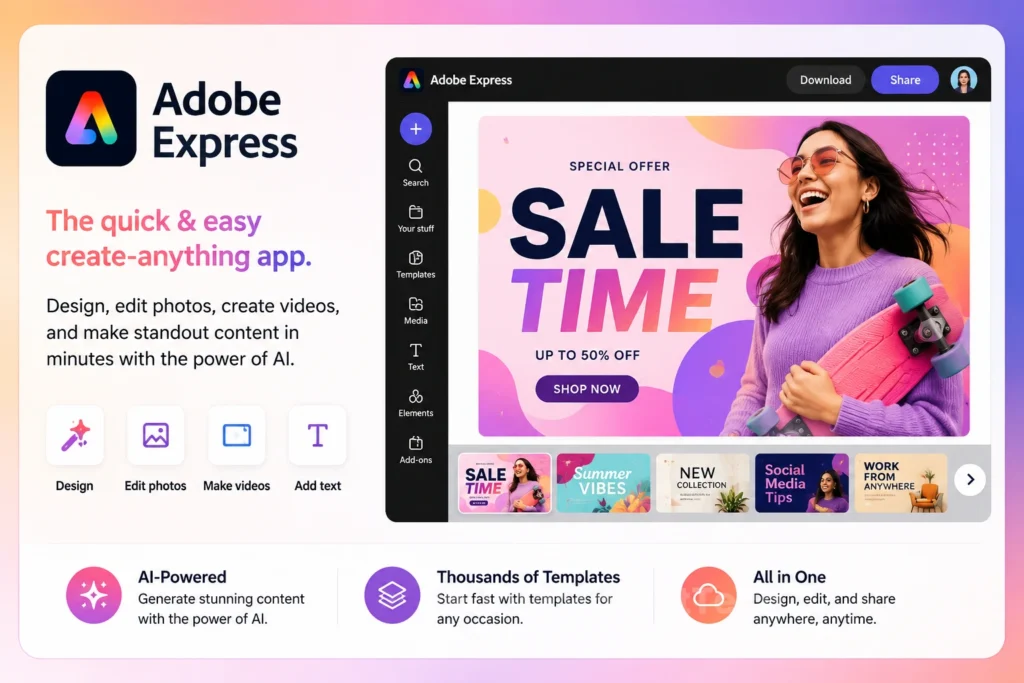
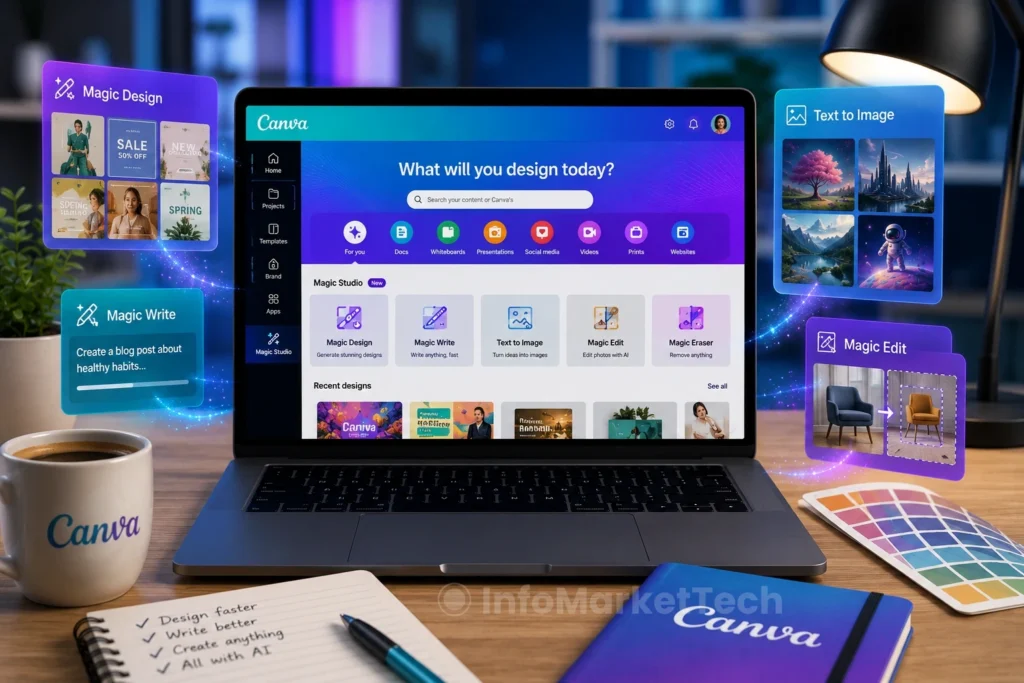
6. Canva Magic Studio
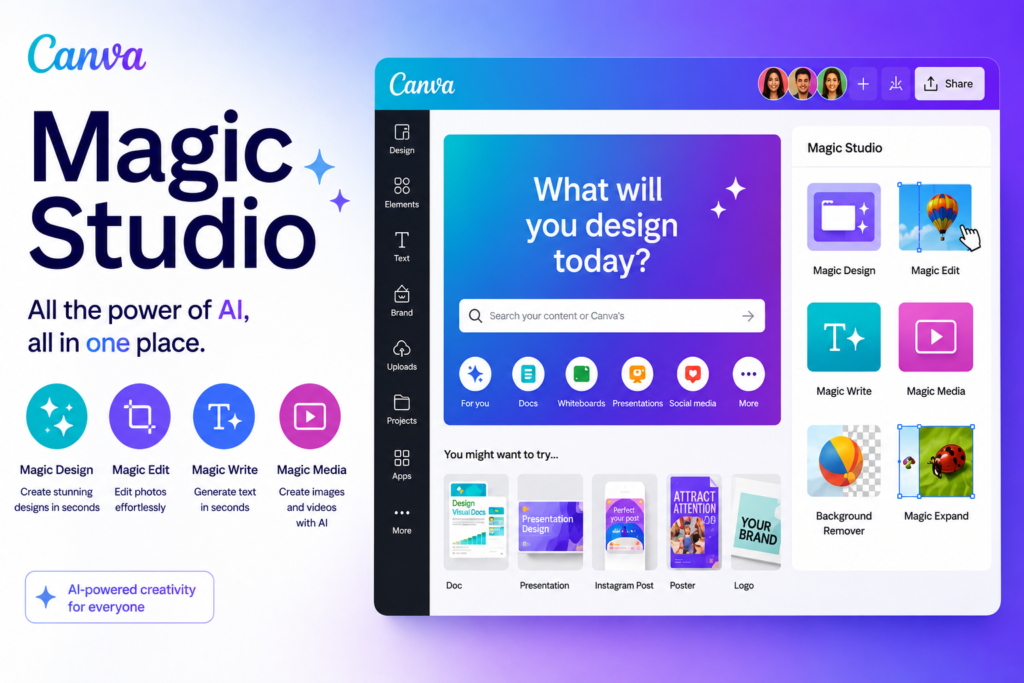
Graphic design no longer requires years of experience. Canva’s AI-powered Magic Studio enables users to create professional presentations, social media graphics, marketing materials, and business visuals within minutes.
Its AI tools can generate images, rewrite text, remove backgrounds, resize graphics automatically, and create complete visual designs using simple prompts.
For small businesses, educators, marketers, and students, Canva has become one of the most valuable productivity platforms available.
Best For
- Graphic design
- Social media
- Marketing
- Education
- Presentations
Key Advantages
- Beginner-friendly
- AI image generation
- Presentation design
- Brand management
- Large template library
How to Choose the Right AI Productivity Tool
Choosing the right AI software depends entirely on your workflow and daily responsibilities.
If your primary focus is writing and brainstorming, conversational AI platforms may offer the greatest value.
If you work extensively with documents and spreadsheets, office-integrated AI assistants provide a more efficient experience.
Creative professionals often benefit from AI-powered design software, while project managers may prioritize collaboration and organization tools.
Before committing to any AI platform, consider the following questions:
- What tasks consume most of your time?
- Which software do you already use every day?
- Do you need collaboration features?
- Will the AI improve your existing workflow?
- Is your data stored securely?
The answers to these questions will help determine which AI solution best fits your needs.
AI Productivity Tips
Simply installing AI software does not automatically increase productivity. To maximize its benefits, consider these best practices:
- Use AI to automate repetitive tasks.
- Always review AI-generated content before publishing.
- Combine multiple AI tools instead of relying on just one.
- Keep sensitive information protected.
- Continue learning new AI features as platforms evolve.
Artificial intelligence should enhance your work—not replace your own critical thinking and creativity.
Frequently Asked Questions
Are AI productivity tools free?
Many platforms offer free versions with basic functionality, while premium plans unlock more advanced capabilities and higher usage limits.
Can students benefit from AI software?
Absolutely. Students can use AI to organize notes, summarize research, improve writing, prepare presentations, and manage study schedules more efficiently.
Is AI replacing traditional productivity software?
No. AI is enhancing existing software rather than replacing it. Most modern productivity platforms now integrate AI to improve user experience while maintaining familiar workflows.
Which AI tool is best for beginners?
ChatGPT remains one of the easiest AI tools to learn because of its conversational interface and broad range of capabilities. Beginners can start using it immediately without technical experience.
Should businesses adopt AI productivity software?
For many businesses, AI can reduce repetitive work, improve communication, automate administrative tasks, and increase overall efficiency. The key is choosing tools that align with specific business needs.
Final Thoughts
Artificial intelligence has permanently changed the way people work, learn, and collaborate. The best AI tools for productivity in 2026 are no longer limited to technology professionals—they have become essential resources for students, educators, entrepreneurs, remote workers, and businesses of every size.
Platforms like ChatGPT, Microsoft Copilot, Google Gemini, Notion AI, Grammarly, and Canva Magic Studio demonstrate how AI can streamline workflows, improve communication, and eliminate repetitive tasks without sacrificing creativity or quality.
However, no single AI platform is perfect for everyone. The most effective approach is to identify your daily challenges and select software that addresses those specific needs. Whether your goal is writing faster, managing projects more efficiently, creating professional designs, or organizing information, there is an AI solution capable of helping you work smarter.
As artificial intelligence continues to evolve, users who embrace these technologies responsibly will gain a significant advantage in productivity, collaboration, and innovation. Rather than replacing human creativity, today’s AI tools are empowering people to focus on higher-value work while letting automation handle repetitive tasks.
For anyone looking to improve efficiency in 2026, investing time in learning the right AI productivity tools is one of the smartest decisions you can make.